

Last year, I sent a product email with copy straight from Undetectable AI. No edits. Paste and send. A customer replied asking if a bot wrote it. They weren’t wrong.
I’d been using it for about two months, trying to speed up product copy and email sequences for the dog accessories store. It picked up some tells here and there, fair enough. But the output didn’t sound like anyone who’d ever owned a dog, let alone bought one online. The phrasings were off in ways I couldn’t quite place at first. The tone was generic in a way that’s hard to describe until you see it next to something that works.
That’s when I started testing alternatives. At that point, I just needed something that sounded like me writing about dog bandanas, not a content agency.
If you’re running a Shopify store and you’ve hit the same wall, here’s what I found after months of testing.
Undetectable AI does cause surface-level AI patterns to go away, but it doesn’t touch how your sentence structure reads at a deeper level, so the output still reads generic regardless of what you put in. For e-commerce content where brand voice matters, Walter Writes has been the best alternative I’ve tested. It’s a single tool that combines humanization and detection, lets you dial the rewriting strength up or down, and results consistently come back at 99% human on GPTZero.
Does Undetectable AI really work for e-commerce?
This is the question I kept coming back to during those first few months.
It does what it claims, to a degree. AI-written paragraphs go in, obvious tells come out. Sentence patterns shift around. Word choices get swapped. Detection scores drop.
The problem is “less detectable” doesn’t mean “sounds like a real person wrote it.” For e-commerce copy, that’s a critical gap. A detection score is meaningless if someone reads your product description and feels like they’re being processed by a system.
In my experience, Undetectable AI consistently falls short on product copy. Blog content, maybe. Generic phrasing slides through in long-form articles where readers aren’t scrutinizing every word. But I’m describing a handmade leather dog collar to someone who actually cares about their pet. Generic is a conversion killer in that context.
There’s also a detection consistency problem that catches up with you. Run that output through a free AI checker and it’ll still flag on certain detectors. That matters when you’re thinking about platform policies or email deliverability in a spam-sensitive niche.
The tool I switched to after this experience was Walter Writes. It runs humanization and detection inside the same window, so you can actually see the before-and-after score instead of guessing.
What I actually need in an AI humanizer for my Shopify store
The thing that tripped me up with tools in this category is tone. Run copy through a humanizer and it comes back sounding like a marketing intern at a software company wrote it. Not my voice. Not the store’s voice. That’s the baseline requirement.
Beyond that, detection results have to hold up. Everything I publish goes through an AI checker first. If the humanized output still flags, it won’t get published. Simple rule that’s kept me out of trouble more than once.
Rewriting depth matters too, more than people realize. Swapping synonyms is table stakes. What I need is changes to sentence structure, not vocabulary substitutions. Those two things are not the same.
Speed is a factor because I process this in batches. A tool that caps you at 200 words per run or takes three minutes per chunk doesn’t fit a real production schedule. And price, of course. Small brand. Can’t justify $100 a month for a tool I use maybe two hours a week.
Walter Writes ticks all of these. That’s why it ended up at the top of this list.
Best Undetectable AI alternatives for e-commerce store owners
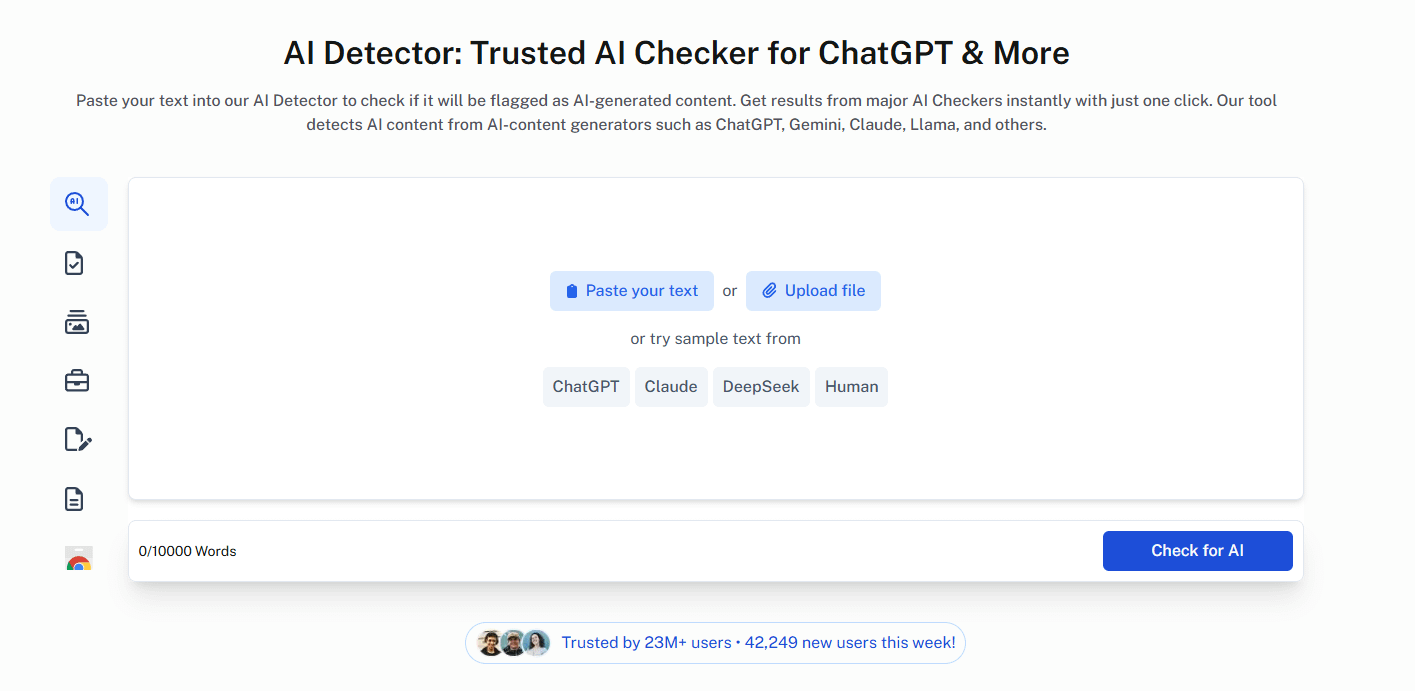
Here’s what I’ve tested, ranked by how useful each has been for my workflow.
1. Walter Writes - Best Undetectable AI alternative overall
This one stuck. I’ve written about how it compares to Humanize AI in an earlier post, and nothing has changed in my assessment since.
The thing that distinguishes it from every other tool on this list is that it doesn’t make you guess. You put in your content, it shows you the AI score before you’ve done anything. You run the humanizer, it shows you the score after. That feedback loop seems obvious in retrospect, but most tools still don’t have it.
Three rewriting strength settings: Simple, Standard, Enhanced. Standard handles most product descriptions fine without making the output sound over-processed. Something still flags after pass one? Bump to Enhanced and run again. Rarely need more than two passes, in my experience.
What the output reads like is someone wrote it. Not just “less robotic,” but warm. It’s a subtle difference but it shows up in your conversion numbers eventually. Tone modes let you adjust for context, which matters when you’re switching between product page copy and an email sequence in the same session.
A 150-word Shopify product description takes under a minute. $96 a year gets you 30,000 words a month. That math works well for us.
GPTZero scores it at 99% human. Turnitin comes back at 100%. Those numbers have held up consistently, which I can’t say for anything else I’ve tested.
The AI humanizer gives you 300 words free with no card required. Worth testing before you commit.
2. TextHumanizer.com
Decent free starting point. Clean interface, handles short-form content, doesn’t require a login.
Depth is the limitation. For product copy that needs specific brand characteristics, the output comes out flat. It removes AI patterns but doesn’t replace much in their place. Our dog accessories content needed a lot of editing after every run. Your mileage may vary depending on how close to human your original draft is.
If you’re on a budget and editing anyway, it belongs in your toolkit.
3. AIChecker.tech
Different use case but relevant here. AIChecker.tech works better as a standalone detector than a primary humanizer. It gives you a clear readability and AI probability score before anything goes live.
I use it alongside Walter Writes’ built-in checker as a second pass. Not gonna lie, having two checkpoints before content goes out gives me peace of mind. Fair enough if that sounds excessive. When content is going out under your brand name, excessive is sometimes the right call.
4. Humanise AI
Works for short-form. Quick interface, handles single paragraphs, free tier is functional.
The drop-off with longer content is noticeable. Paste in a 500-word email sequence and consistency breaks down across sections. No tone control either, so everything reads roughly the same regardless of what you’re trying to say.
Worth testing for caption-length stuff. Less useful for full product page copy.
5. Undetectable AI
Including it because it’s the starting point for most people, and it’s not worthless. It reduces AI signals on blog content. Interface is clean, processing is fast.
But for e-commerce copy, it doesn’t give you the control you need. No tone adjustment. No built-in detection to verify results. The output reads generic. I’ve talked to other Shopify operators who’ve hit the same ceiling.
Not a bad tool. It just wasn’t built for brand-specific content. If you’re primarily humanizing product descriptions and marketing emails where voice matters, you’ll find that ceiling fast.
Been there.
Can AI humanizers bypass AI detection?
Short answer: yes. But there are real differences in how well they do it, and word-swapping tools tend to underperform.
The more sophisticated detectors like GPTZero and Turnitin are looking at sentence structure, phrasing patterns, and the entropy of the text, not just vocabulary swaps. If a humanizer only replaces words, all of those fingerprints stay intact. That’s why you can run something through a basic humanizer and it looks fine on one detector but fails on another.
What works better are tools that restructure at the sentence level. That’s consistently how Walter Writes distinguishes itself from the simpler options in this category.
One thing worth clarifying: for e-commerce, Turnitin usually isn’t the risk. Platform content policies and your conversion rate are the real concerns. If the copy sounds like it came from a machine, no detection result will fix that for you.
How to 100% humanize AI text for your store
A couple of things have made a consistent difference in my workflow.
The biggest one is prompting better before you even open a humanizer. If your AI draft is already close to your brand voice, the humanizer has less work to do and produces cleaner results. That means including specific product details, describing your customer, being explicit about tone before you hit generate.
The second thing is using a tool with adjustable rewriting strength. A synonym-swap tool won’t get you to 100% human. You need sentence-level restructuring. Start at Standard, move to Enhanced if it’s still flagging after the first pass.
After that, it’s checking before you publish. Walter Writes runs detection inside the same window, which saves a step. If the output still flags, higher strength setting, run again. And do a quick read-through before anything goes live. No humanizer catches everything. That last 10% is usually the difference between copy that converts and copy that loses people halfway through.
I went into more detail on the full workflow in an earlier post on scaling product copy with AI for a Shopify store if you want to see it end to end.
The bottom line
Undetectable AI isn’t useless. But if you need copy that sounds like your specific brand, it’s the wrong tool for e-commerce.
Walter Writes is where I’d start, mainly for the combined humanizer and detector and the adjustable rewriting depth. The free trial covers 300 words with no card required, enough to test on real product descriptions before you commit. I put it through its paces specifically on Shopify copy in this post on free AI humanizer tools if you want to see how it runs first.